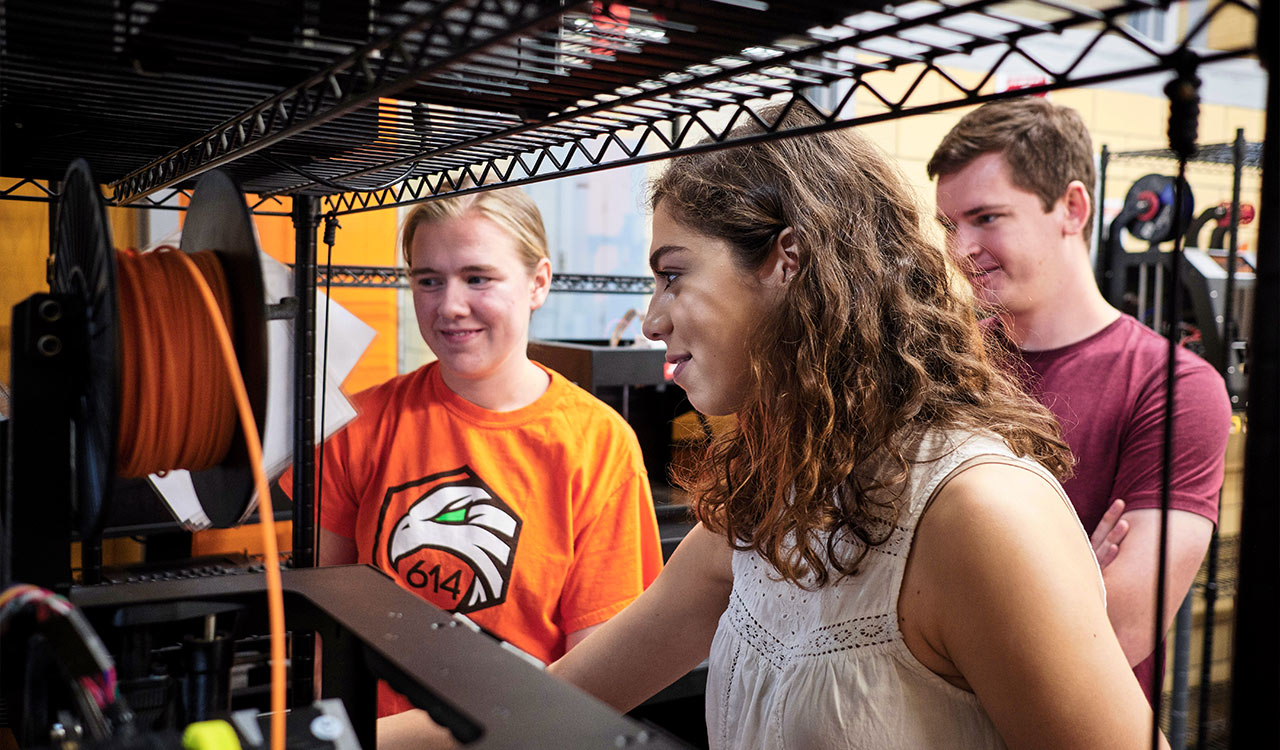
Getting Started
For a comprehensive training guide, visit the KICS Makerspace Training Access Canvas Catalog and enroll in the training course by clicking the “Enroll Now” button and following the registration process. After you register, you will be able to access an assignment titled “Prusa MK3 and MK4 3D Printing at the Kao ICS” that outlines the 3D printing resources and processes at the Kao ICS.
At Kao ICS, We use a remote printing service called 3D PrinterOS to manage prints. Access the 3D PrinterOS software here. When you are prompted to log in, choose “SSO Login” and enter “University of Tennessee – Innovation and Collaboration Studio” to sign in with your UT credentials. This instructional video gives further details on how to use the software.
Our Printers
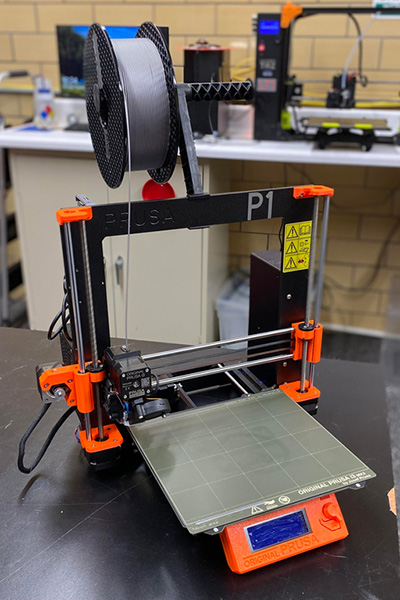
Prusa MK3
Print Volume:
9.8 x 8.3 x 8.3 in (250 x 210 x 210 mm)
Approved Filament:
Generic PLA
Name on 3D Printer OS:
Prusa i3 MK3 (S/S+)
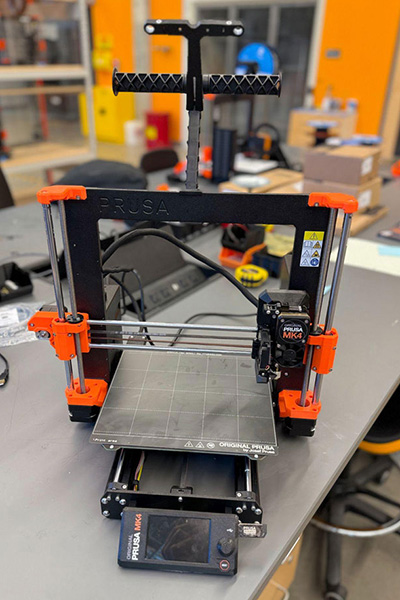
Prusa MK4
Print Volume:
9.8 x 8.3 x 8.3 in (250 x 210 x 210 mm)
Approved Filament:
Generic PLA
Name on 3D Printer OS:
Prusa MK4
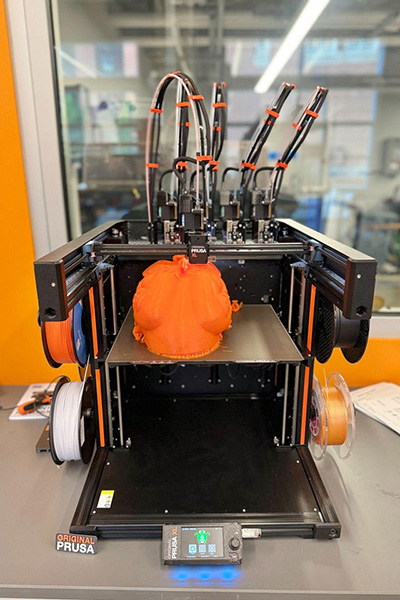
Prusa XL 5 Toolhead
Print Volume:
14. x 14.17 x 14.1 in (360 x 360 x 360 mm)
Approved Filament:
Generic PLA (must be supplied by user)
Name on 3D Printer OS:
Not available
3D Printing Rules
-
We do not tolerate prohibited items resembling firearms, blades, or weapons of any kind – whether this is a toy, prop, replica, or any other delineation thereof. Queued prints will be reviewed by staff who reserve the right to deny any print for any reason. All suspicious activity will be reported to the appropriate authorities and/or lead to permanent suspension from the Min H. & Yu Fan Kao Innovation & Collaboration Studio.
-
The Kao ICS follows a zero-tolerance policy towards weapons as described below: Possessing, carrying, using, storing, or manufacturing any kind of weapon on University controlled property or in connection with a University affiliated activity, unless authorized in writing by the Chief of Police or their designee or unless federal or state law affirmatively gives a student a right, irrespective of the Code, to possess or carry a weapon on University-controlled property or in connection with a University-affiliated activity. This code can be found in the UT’s “Student Code of Conduct” section 4.17“Weapons”. You can read the code by clicking here. By using our services, you adhere to Section 4.17 of the Student Code of Conduct, “Weapons.” Not following the above will result in disciplinary action.
- At the ICS, we offer a maximum of 24 hours of free PLA printing for UTK students, staff, and faculty each week. This time limit includes all parts printed, regardless of failure, cancellation, completion, or other actions outside of special circumstances. You may pick up finished prints during ICS hours of operation: 10 AM – 6 PM Monday through Friday.